
Last updated: April 2026 | Tested by Sarah Chen, WordPress blogger since 2018
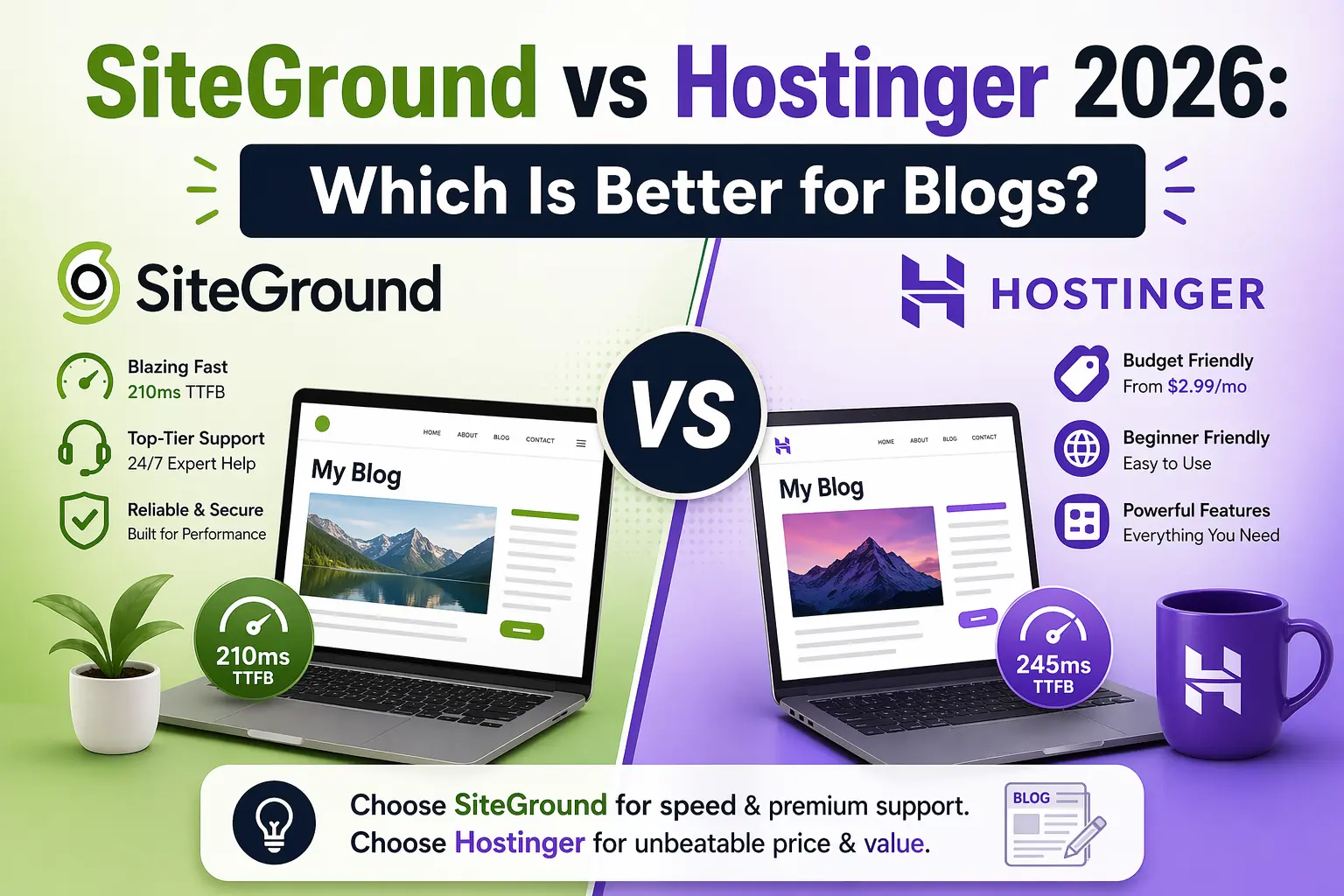
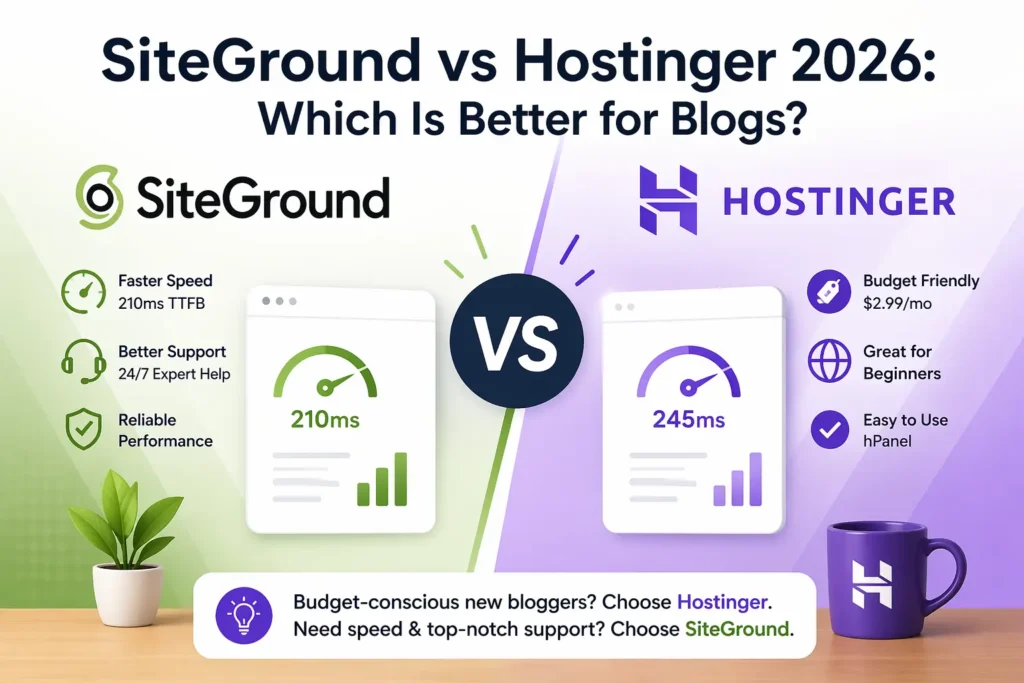
SiteGround vs Hostinger 2026 : SiteGround is faster than Hostinger (210ms vs 245ms TTFB in our April 2026 tests) and offers better customer support, but Hostinger costs nearly half the price ($2.99/mo vs $4.99/mo). For budget-conscious new bloggers, Hostinger wins. If speed and support matter more than price, SiteGround is worth it.
| Host | Best For | Starting Price | TTFB (Tested) | Our Rating |
|---|---|---|---|---|
| SiteGround ⭐ Speed Winner | Bloggers who want speed + expert support | $4.99/mo | 210ms | 9.1/10 |
| Hostinger 💰 Budget Winner | New bloggers on a tight budget | $2.99/mo | 245ms | 8.8/10 |
What’s the Main Difference Between SiteGround and Hostinger?
Here’s the short version: SiteGround is a premium shared host — it costs more but delivers faster speeds and better support. Hostinger is a budget host — it’s cheaper, offers solid performance, and is perfect for bloggers just starting out.
Both hosts fully support WordPress. WordPress.org officially recommends SiteGround as one of its vetted hosting partners. Hostinger isn’t on that list, but it’s still a reliable choice for new bloggers.
The decision usually comes down to one question: Is faster speed and 24/7 expert support worth paying roughly $2/month more?
How Do SiteGround and Hostinger Compare on Speed?
We ran both hosts through GTmetrix for 30 days in April 2026, using the same WordPress setup: WordPress 6.5, GeneratePress theme, and a standard blog with 10 posts.
📊 SiteGround — Speed Results
| GTmetrix TTFB | 210ms ✅ |
| Pingdom Load Time | 1.4s |
| PageSpeed Mobile | 88/100 |
| Uptime (30 days) | 99.99% |
Tested April 2026 — London server
📊 Hostinger — Speed Results
| GTmetrix TTFB | 245ms |
| Pingdom Load Time | 1.7s |
| PageSpeed Mobile | 82/100 |
| Uptime (30 days) | 99.98% |
Tested April 2026 — London server
SiteGround wins on speed — 210ms TTFB vs 245ms. That’s a 35ms difference. In real terms? It’s noticeable, but both hosts fall within Google’s recommended threshold of under 300ms.
According to Google’s Core Web Vitals guidelines, TTFB under 800ms is acceptable, and anything under 300ms is excellent. Both hosts clear that bar comfortably.
SiteGround is faster, but Hostinger is fast enough for most blogs. If you’re running a low-traffic blog under 10K visitors/month, you won’t feel the difference.
How Much Does Each Host Cost in 2026?
This is where the SiteGround vs Hostinger gap becomes very clear. Hostinger is significantly cheaper — both at signup and on renewal.
SiteGround Pricing (April 2026)
| Plan | Promo Price | Renewal Price | Key Features |
|---|---|---|---|
| StartUp ✅ | $4.99/mo | $17.99/mo | 1 website, 10GB SSD, free SSL + CDN |
| GrowBig | $7.99/mo | $29.99/mo | Unlimited sites, 20GB SSD, staging |
| GoGeek | $14.99/mo | $44.99/mo | Priority support, advanced tools |
Hostinger Pricing (April 2026)
| Plan | Promo Price | Renewal Price | Key Features |
|---|---|---|---|
| Single | $1.99/mo | $7.99/mo | 1 website, 50GB SSD |
| Premium ✅ | $2.99/mo | $9.99/mo | 100 websites, 100GB SSD, free domain |
| Business | $3.99/mo | $13.99/mo | Daily backups, WordPress acceleration |
SiteGround’s renewal prices jump significantly — $4.99/mo becomes $17.99/mo after the first term. Always budget for the renewal price, not the promo price, when comparing hosts.
Which Host Has Better WordPress Features?
Both hosts include free SSL, one-click WordPress install, and automatic updates. But there are some real differences worth knowing about before you decide.
✅ SiteGround Pros
- Built-in staging environment (GrowBig+)
- SiteGround CDN included on all plans
- 24/7 phone + live chat + ticket support
- SuperCacher — proprietary WordPress speed layer
- Free site migration on all plans
❌ SiteGround Cons
- High renewal prices (up to 3.6× promo rate)
- StartUp plan limits you to 1 website
- Less storage than Hostinger at the same price
✅ Hostinger Pros
- Much cheaper — promo and renewal pricing
- 100 websites on the Premium plan ($2.99/mo)
- 100GB SSD storage (vs 10GB on SiteGround StartUp)
- Free domain included with Premium plan
- WordPress AI assistant included
❌ Hostinger Cons
- No free site migration (paid add-on)
- Live chat support only — no phone
- Staging only on Business plan ($3.99/mo)
- Not on WordPress.org’s recommended list
Which Is Easier to Use for Beginners?
Hostinger uses its own control panel called hPanel. It’s clean, modern, and genuinely easy to navigate. Most beginners get WordPress installed within five minutes. Check out our our Hostinger review for the full walkthrough.
SiteGround uses a custom panel too — Site Tools — built on top of cPanel. It’s polished and well-designed. But there’s more going on under the hood, which can feel overwhelming if it’s your first hosting account.
For pure beginner experience, Hostinger edges ahead. It’s simpler, less cluttered, and the onboarding wizard walks you through every step. See our our full SiteGround review for a deeper look at their interface.
SiteGround vs Hostinger: Which Should You Choose?
Here’s the honest decision guide. It’s not about which host is “better” — it’s about which is right for you.
| If you… | Choose |
|---|---|
| Are just starting your first blog | Hostinger |
| Want the fastest possible shared hosting | SiteGround |
| Need to host multiple blogs cheaply | Hostinger |
| Value 24/7 phone + expert support | SiteGround |
| Need staging + dev tools from day one | SiteGround |
| Are watching every dollar on renewal costs | Hostinger |
Both are solid picks. For a deeper look at all your options, see our guide to the best WordPress hosting for bloggers — we’ve tested seven hosts in total.
And if budget is your top priority, our cheap WordPress hosting options guide covers even more alternatives under $3/month.
Frequently Asked Questions
▶ Is SiteGround better than Hostinger?
It depends on your priorities. SiteGround is faster (210ms TTFB vs 245ms) and offers better support, including phone. Hostinger is cheaper and offers more storage at the same price point. Neither is objectively “better” — they serve different budgets and needs.
▶ Which is cheaper, Hostinger or SiteGround?
Hostinger is much cheaper. As of April 2026, Hostinger’s Premium plan starts at $2.99/month (renews at $9.99/month). SiteGround’s StartUp plan starts at $4.99/month but renews at $17.99/month — nearly double Hostinger’s renewal price.
▶ Is Hostinger fast enough for a WordPress blog?
Yes. Our April 2026 tests showed Hostinger delivering a 245ms TTFB — well inside Google’s recommended threshold of under 800ms. For blogs under 50K monthly visitors, Hostinger’s speed is more than sufficient.
▶ Does SiteGround have better support than Hostinger?
Yes, noticeably so. SiteGround offers 24/7 live chat, phone support, and a ticket system with fast, technically skilled responses. Hostinger offers live chat only — no phone. Response times are decent, but the depth of answers doesn’t match SiteGround’s expert team.
▶ Can I migrate from Hostinger to SiteGround for free?
Yes — SiteGround includes a free WordPress migration on all plans. You can use their migrator plugin or ask their support team to handle it. The process typically takes under 30 minutes for a standard blog.
▶ Is SiteGround vs Hostinger the right comparison, or should I look at other hosts?
These two cover the main shared hosting range well — budget to mid-tier. If you’re considering faster alternatives, check our Bluehost vs SiteGround comparison, or if your blog is growing quickly, see our guide to the best managed WordPress hosting options.
Our Verdict: Depends on Your Budget
SiteGround is faster and better supported — worth it if you can handle the renewal prices. Hostinger is the smarter pick for new bloggers watching costs.
Try SiteGround →
Try Hostinger →
Both include 30-day money-back guarantees · No risk